
Name-Based Case Searches
Start at the MyCase search application, which offers Case, Name, and Attorney tabs. Searching for a person? Enter the last name first. A first name, middle name, or birth date can trim the results. A birth date only works when paired with a last name. Businesses go in the Business Name field rather than mixed into a person's last name. Before searching, pick Switzerland County in the Court field. Set a case category too, if the form offers that limit.
- Open MyCase and choose the Name tab.
- Enter Last for a person or Business Name for an organization, but not both.
- Add First, Middle, or Birth Date only when needed to narrow a person search.
- Select Switzerland County and an apt Criminal and Citation, Civil, Family, or Probate limit.
- Set Open, Closed, or All status and filing dates if they help.
- Open the matching cause number and read its CCS.
| Field Label | Type | Required | Notes |
|---|---|---|---|
| Last | Text | Yes for a person | First and middle alone are not valid. |
| Business Name | Text | Yes for a business | Do not combine it with Last. |
| Birth Date | Date | No | It needs a last name. |
| Court | Dropdown | Recommended | Choose Switzerland County. |
| Status | Choice | No | All, Open, or Closed. |
| File Date | Date range | No | Use month/day/year From and To fields. |
MyCase has firm search limits. It rejects a lone asterisk, a wildcard planted mid-term, and any sounds-like query paired with a wildcard. Results also stop at 1,000, so a common name calls for tighter filters instead of another broad try.
Switzerland County Docket Search Tabs
Picking the wrong tab causes many failed Switzerland County docket searches. The Case tab wants a cause number, citation number, or cross-reference number. Name handles people and businesses. Attorney takes either a lawyer's name or an Attorney/Bar Number. Never use both in one docket search. Each tab applies its own validation rules. Match the tab to the number or name you hold.
| Tab | Best input | Do not combine |
|---|---|---|
| Case | One case, citation, or cross-reference number | Two number types |
| Name | Last name or Business Name | Last and Business |
| Attorney | Attorney number or lawyer surname | Number and name |
The Indiana public-access baseline lays out the court-record rules that govern these searches. Its framework covers what Switzerland County case-search access makes public.
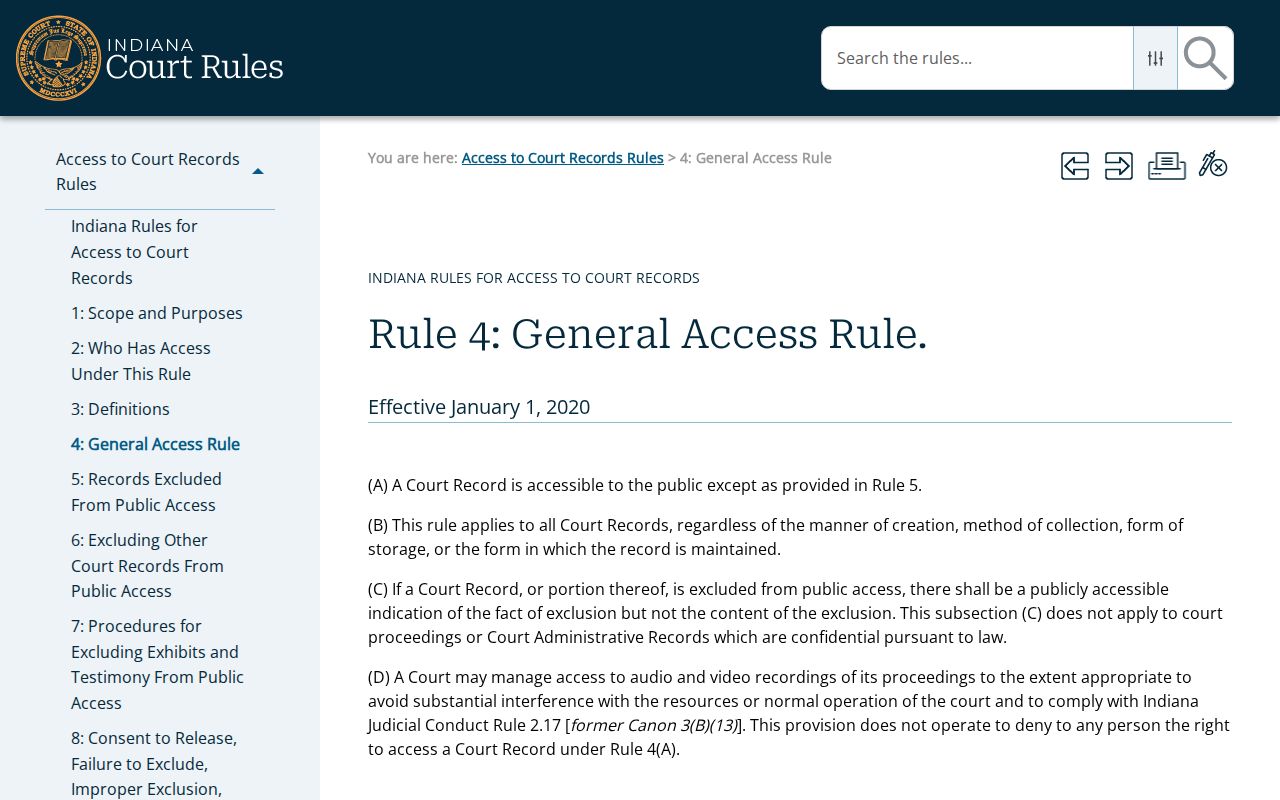
A search form is only a doorway. It does not promise that every case or document sits online, and some court records stay with the clerk.
Case Number Searches
An exact cause number is the cleanest key for a Switzerland County case search. Each number has several parts. Indiana Administrative Rule 8 supplies a court identifier, the filing year and month, a case-type code, and a six-digit sequence. The local code is 78C01 for Switzerland Circuit Court. Consider 78C01-2505-PL-000165. There, 78C01 marks the court. 2505 points to a May 2025 filing. PL signals civil plenary, and the final digits give the sequence. For a docket search in MyCase, hyphens and leading zeroes are optional. Citation and cross-reference lookups generally demand the Odyssey format instead. Type just one number type per search. A wildcard is fine at the end of a term. A lone asterisk will fail. So will one placed anywhere but the end. The official Rule 8 case-number table is the primary source for this format. Aim Switzerland County docket-search queries at the active 78C01 destination. The old 78D01 Switzerland Superior Court entry carries an abolished flag. No second local court currently uses it.
Fix Switzerland County Case Searches
A validation message usually names the exact problem with a failed search. Person and business lookups need at least one value. First or Middle Name depends on Last. Birth Date works the same way. The Case tab takes one case, citation, or cross-reference number. Never enter several. On the Attorney tab, a lawyer number stands in for the name fields.
- Remove Business Name when Last is filled.
- Add Last when using First, Middle, or Birth Date.
- Keep a wildcard at the end of a term.
- Do not pair a wildcard with Sounds-like.
- Make the From filing date earlier than the To date.
- Narrow the court to Switzerland County.
A CAPTCHA may appear after you hit Search. Treat it as an access boundary against data mining, not a cue to repeat or automate the request. Complete the check and move on. If the docket entry still will not surface, contact the clerk directly rather than trying to work around the control.
Select Switzerland County in Case Search
The Court dropdown spans the whole state. Indiana appellate courts sit alongside county courts and local city or town courts on Odyssey. So pick the Switzerland County option for any Switzerland County case search. Skip similarly named courts elsewhere and the abolished local 78D01 entry. Category filters such as Criminal and Citation, Civil, Family, and Probate can shift with the court choice. Set the court first. That single choice cuts common-name results sharply. It also anchors the docket search to the unified Switzerland Circuit Court record system. The county runs no separate city, town, superior, or county-court docket of its own.
Case Search Results Explained
Sort any Switzerland County search result by case number, file date, case style, or status date. Clicking one opens the CCS, the docket itself. The header typically lists the cause number, court, case type, caption, filing date, status, and judge. Party and attorney roles may follow. Then comes the chronological list. It records each event's date, entry time, label, description, comments, and links to public documents when the court makes them available.
| Case Number | The unique Rule 8 number, such as 78C01-YYMM-XX-######. |
|---|---|
| Style / Parties | The case caption and public party roles. |
| Case Type | A code for criminal, civil, family, probate, infraction, or another proceeding. |
| Filed Date | The date the case began in the court system. |
| Status | Open, closed, or another current case state. |
| CCS Events | Filings, settings, orders, results, and other entries in time order. |
MyCase warns that the screen is not the official court record. Financial data can lag, and the clerk holds current balances. For a certified copy or an unpublished document, go to the Switzerland County Circuit Court Clerk or the proper court custodian.
Switzerland County Docket Search Codes
Every case number opens with a two-letter code. That code tells you what kind of Switzerland County matter you are looking at. Criminal filings carry labels like F1 through F6, CM, and MC. Infractions use IF. OV marks a local ordinance violation. Civil matters split into PL for civil plenary, CT for civil tort, CC for collection, SC for small claim, and EV for eviction. Family, estate, guardianship, trust, protection-order, expungement, and juvenile cases each carry other codes set by Rule 8. A quick code check can save you from pulling the wrong file.
- CCS
- The Chronological Case Summary, Indiana's dated list of case events.
- Court identifier
- The first group of the cause number. Switzerland Circuit Court is 78C01.
- Case type
- The code naming the proceeding category, such as CM, PL, SC, or IF.
- Filing sequence
- The six-digit number at the end of a current cause number.
- Disposition
- The recorded result of a charge or case.
Treat the code as a filter, not a summary. It tells you the category but nothing about the dispute itself. For real context, read the CCS entries and any public orders in the docket. Keep in mind that some family and juvenile categories carry strict access limits even though a public rule defines their code families.
Sort Switzerland County Case Search Results
Sorting tools can tame a crowded result list. Sort by case number when a partial number pulls up several matches. File date separates matters with similar captions. Status date brings recent case activity to the top. Case style helps you tell apart names that recur across the docket. None of this broadens access. MyCase caps any search at 1,000 results. Sorting never guarantees the list is complete. If a Switzerland County docket search runs that wide, narrow it with a first name, a filing window, a category, or a status rather than treating the cap as every case there is.
Two Ways to Search: County and State
There is no separate county-only case database for Switzerland County. Instead, MyCase serves double duty. It is the statewide search layer and the public Odyssey interface for the local CCS. Pick the county inside MyCase and the statewide system narrows to Switzerland County filings. The second route is direct clerk access. That office handles official records and assistance rather than acting as a duplicate online portal.
| MyCase statewide layer | Switzerland County Clerk channel |
|---|---|
| Searches participating Indiana courts | Focuses on Switzerland Circuit Court records |
| Free ordinary public access without an account | Counter, phone, email, and mail contact |
| Best for a public CCS and selected documents | Best for missing, older, certified, or current official material |
| Informational display | Custodian of the official trial record |
Reach the Clerk at 812-427-4415, clerk@switzerland.in.gov, or 212 West Main Street, Vevay, IN 47043. Office hours run weekdays from 8:00 a.m. to 4:30 p.m. A mailed request works best when it states the cause number, the caption if known, the exact document or CCS range, whether you need a plain or certified copy, and your return contact details. Call ahead on fees, identification, payment, mailing, pickup, and timing. The office does not publish those request terms.
Older Switzerland County Case Searches
MyCase combines Odyssey data with converted legacy events. No guaranteed starting year for Switzerland County coverage is published. Expect older cases to look thinner. An event list may be short, a label unfamiliar, or a public document simply missing from the scan set. None of that proves the official file is empty. It can reflect conversion limits or which documents were approved for online display. The Indiana Code Title 5 source is one official reference assigned to this Switzerland County search page.
Judiciary rules also govern court-record access. A general public-record statute does not open every court file the same way. When results look historical or incomplete, give the clerk the best cause number you have. Add the caption, filing period, and document name. Ask whether the record still sits in the local office, needs an archive search, or can only be supplied as a copy. A blank online result never means a case was dismissed, sealed, or expunged. So do not draw that conclusion from an empty screen.
Switzerland County Party Case Access
Public MyCase use needs no account. Parties to a case get more. They can enter an official party access code and view additional documents authorized for them alone. That is separate from public access, and it does not convert restricted material into a public record. Attorneys, meanwhile, work through their own access path. The Indiana excluded-record rule is the official source behind one assigned Switzerland County case-search image.
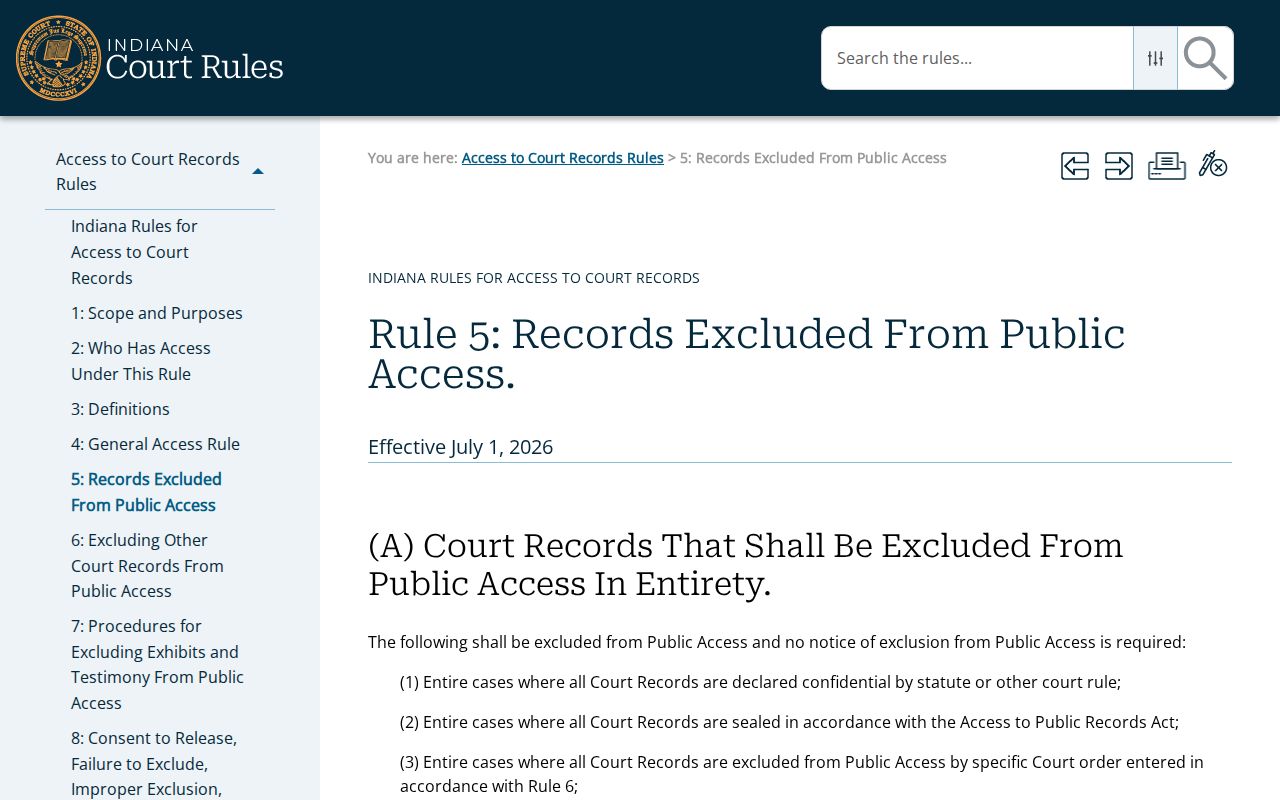
That rule explains why redaction and exclusion limits can hide material from a public user even when a party lawfully sees more of the file. A further Indiana court-record request rule supplies the source for another assigned image about routes to excluded material.
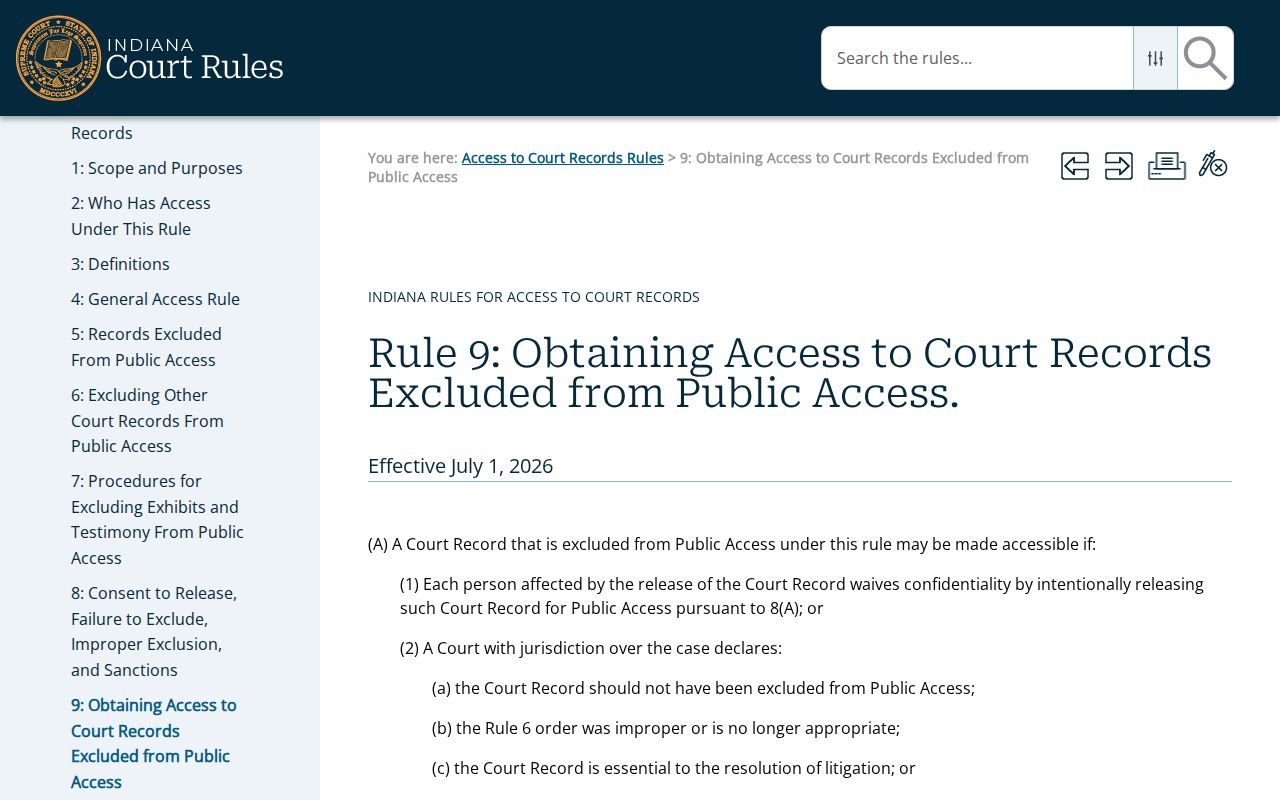
Filing a formal request guarantees nothing. The court applies the rule, may impose conditions, and can deny access outright.
CAPTCHA Limits Switzerland County Docket Search
Indiana Courts bars data mining, so MyCase may throw up a CAPTCHA after a query. That check is not a sign your name, number, or court choice was wrong. Just complete it as presented. Skip the repeated broad searches, automated requests, and workarounds.
Clean fallback: Narrow the lawful search once, then contact the Switzerland County Circuit Court Clerk when the public portal still does not return the known case.
The clerk can route a question about an official record. Public access rules still control disclosure, and calling the office does not override confidentiality.
Which Cases Stay Restricted
A Switzerland County docket search will omit or limit some material. Juvenile, adoption, mental-health, sealed, expunged, and other confidential cases routinely drop out of view. A case can also be missing for simple reasons. It may predate the converted data. Or a document may sit outside the public online set. Party names and sensitive identifiers may be hidden or redacted. Restricted is not the same as dismissed. An empty search result proves nothing about whether a court record exists. Indiana Title 35 includes the expungement law tied to an assigned Switzerland County docket-search source.
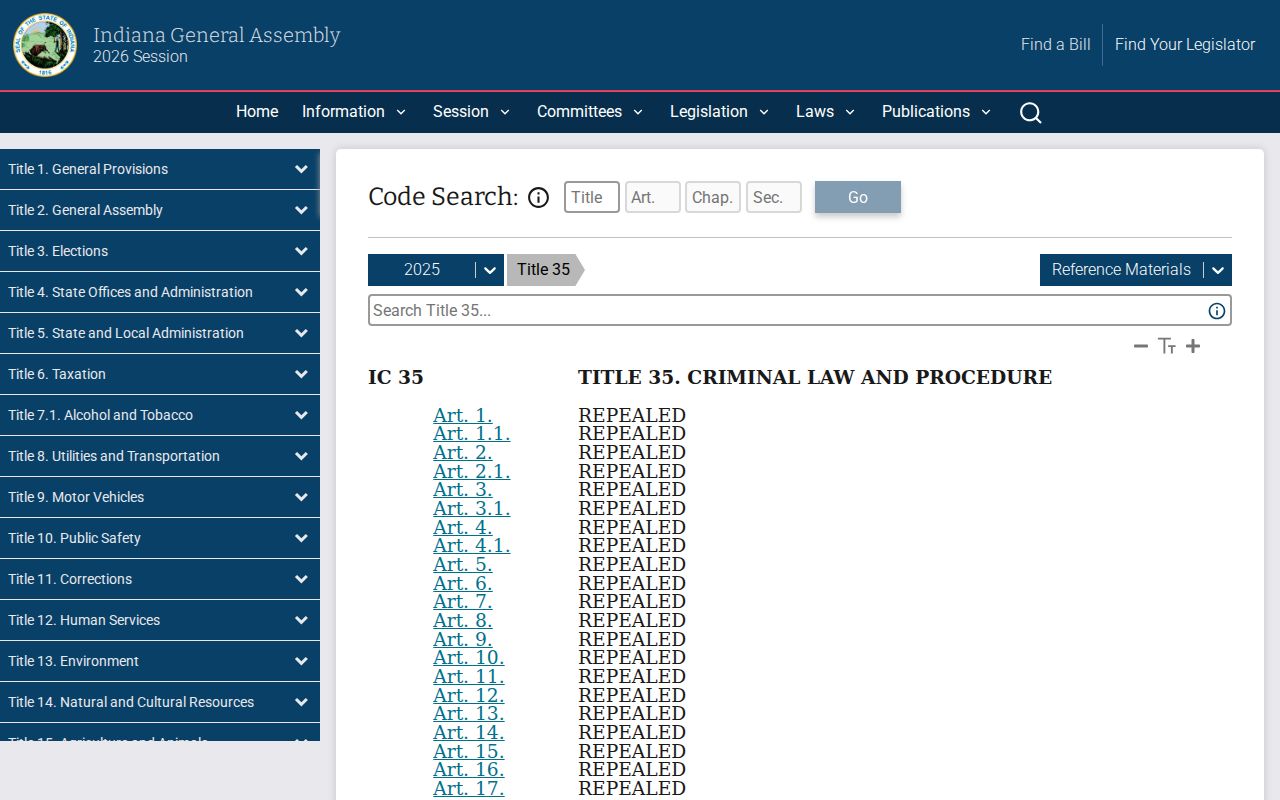
Expungement can narrow what the public sees, but its exact legal effect depends on the order and the statute. The clerk cannot treat a general inquiry as authority to release excluded information.
Missing result: Try the exact number without punctuation, narrow the court and category, or use a valid trailing wildcard. Then ask the Clerk about the official record.
Need a certified copy, a record that is missing, or help routing a question? The clerk handles those by counter, phone, email, or mail. Excluded material is different. The judiciary has its own request process, and a judge may have to rule on it. When a public case does appear online, the Switzerland County court schedule explains how to confirm its next setting.